MP Selector
Keep your favorite sampler mods and apps on one microSD card. Turn the wheel to pick what plays next.
many firmwares
Give the wheel a spin.
These nine covers are on Phil’s own demo card. The free download has one cover, Akai. You add your own firmwares.
Turn the wheel or swipe the covers. Press the wheel to see what opens.
Set up your card.
You need a spare microSD card (exFAT). The download starts with the Akai cover. Add SampQOL, Melodee, MPC Simple or your favorite firmwares in step 2.
- Copy the files. Unzip the download. Open SD Card Files. Copy the three things inside onto your card: autorun.sh, autorun and firmware.
- Add your firmwares. Each one goes in its own folder inside firmware on your card. MP Selector does not install them. The guide on GitHub shows what a folder needs.
- Turn on Developer Mode. Save your beat first. On your MPC, hold Shift and press Pad 8. Find Dev Enhancements (Beta). Turn on Developer Mode.
- Start Cover Flow. Eject the card and put it in your MPC. The MPC asks to run the script. Press the left button, Yes.
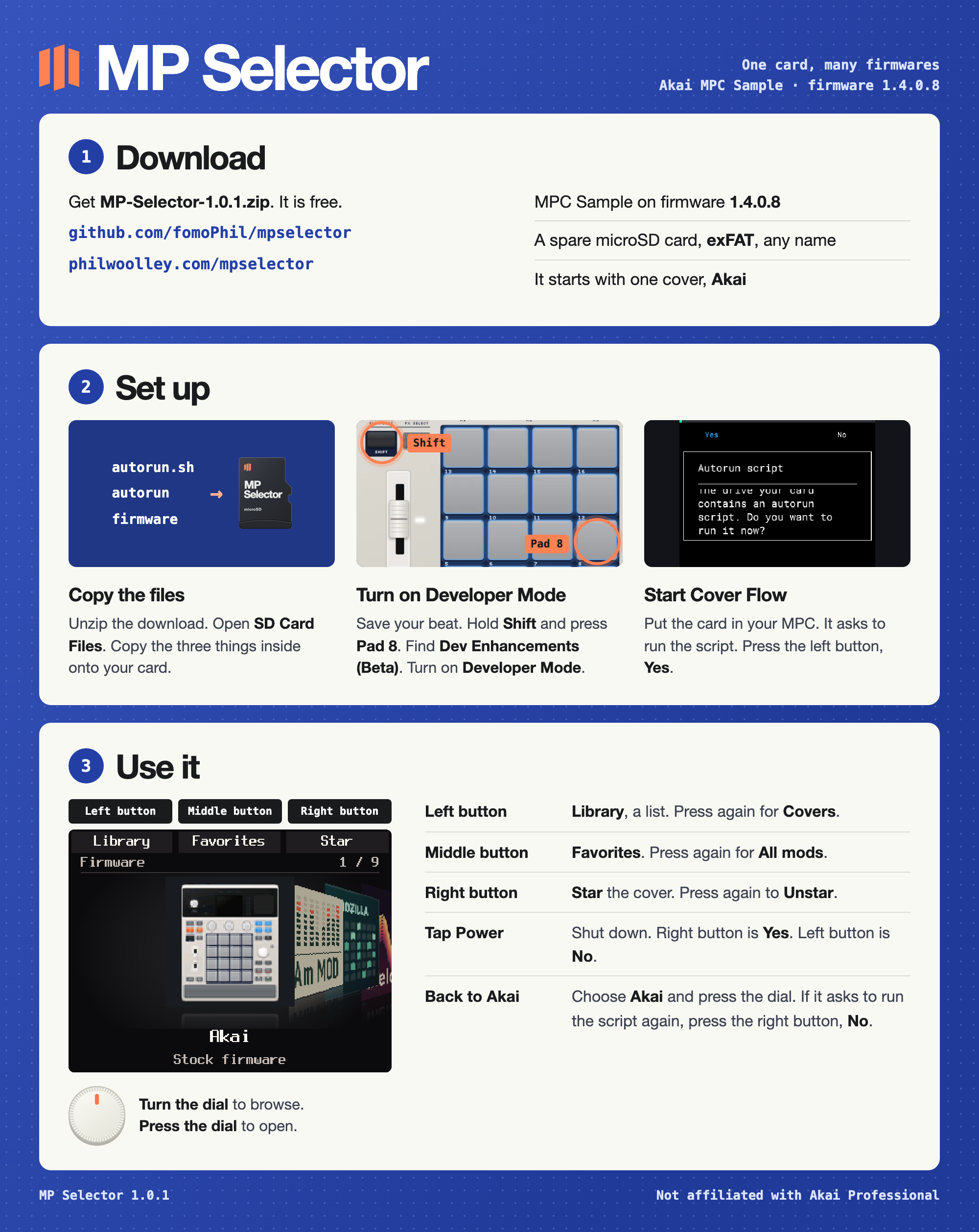
The whole guide in one image.
On the MPC screen.
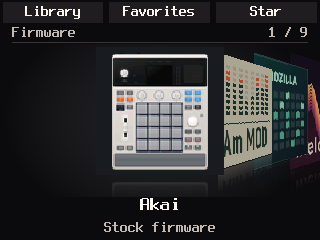
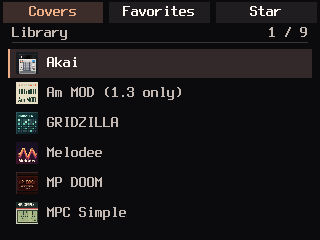
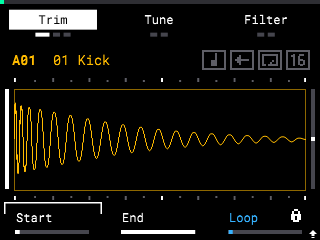
Use the selector.
Turn the dial to find a cover. Press the dial to open it.
See your list and favorites
Use the three buttons above the screen. The left one shows Library, a list. The middle one shows Favorites. The right one is Star. Your stars are saved when you open an app or shut down.
Go back to the Akai sampler
Choose Akai and press the dial. This opens the Akai sampler that is on your MPC. Phil tested it on 1.4.0.8. If Akai asks to run the card script again, press the right button, No. That keeps you in Akai.
Shut down from Cover Flow
Tap Power. Press the right button, Yes, to shut down. Press the left button, No, to keep browsing.
Firmwares to try.
MP Selector does not include or install these. Get each one from its creator.
SampQOL OS
SampQOL OS adds to the stock sampler: up to 16 drum tracks, a step sequencer, a mixer with effects, 128-slice chop and stem export. It is free and in beta. It is made for Akai 1.3.0.12.
What opens on 1.4.0.8?
Version 1.0.1 opens Akai, MP DOOM, Pad Lights, Melodee and MPC Simple on this firmware. Each one needs its own folder on your card. SampQOL and GRIDZILLA show “Requires Akai firmware 1.3.0.12”. Anything else shows a message and stays in Cover Flow. The demo shows Phil’s own card, which he set up by hand.
Melodee, MPC Simple and SampQOL OS belong to their creators. MP Selector does not include them. MP Selector is an independent project and is not affiliated with Akai Professional.